Build at final size
Use the exact dimensions for your placement. Do not scale a smaller document up after design is complete.
CITYVIEW MAGAZINE · PRODUCTION RESOURCES
Everything needed to prepare polished, press-ready advertising for Cityview Magazine.
Find your ad size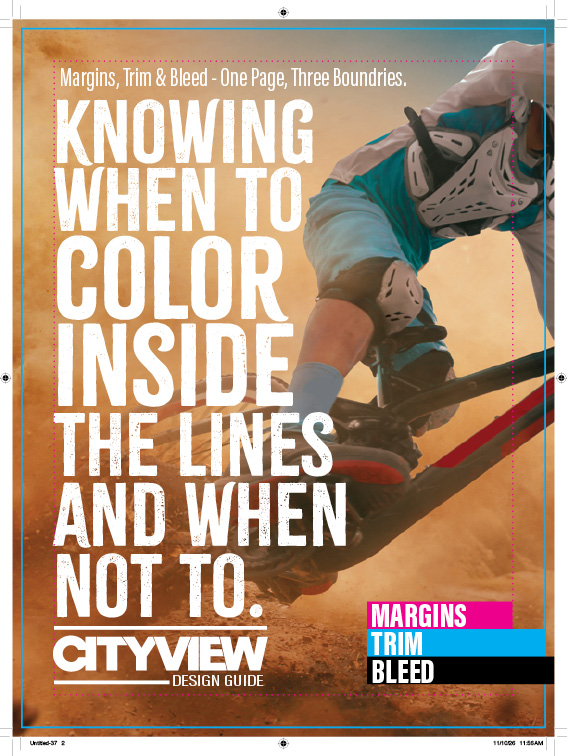
START HERE
Set the document up at final size, extend backgrounds through the bleed and keep every critical detail inside the live area.
Use the exact dimensions for your placement. Do not scale a smaller document up after design is complete.
Keep type, logos and important graphics inside the safe-area guides in your placement’s template.
Use CMYK images at 300 dpi at final size. Total ink coverage should not exceed 280%.
Supply a press-ready PDF/X-1a or PDF/X-4 with fonts embedded and bleed included where required.
MAGAZINE PAGE
PRINT AD DIMENSIONS
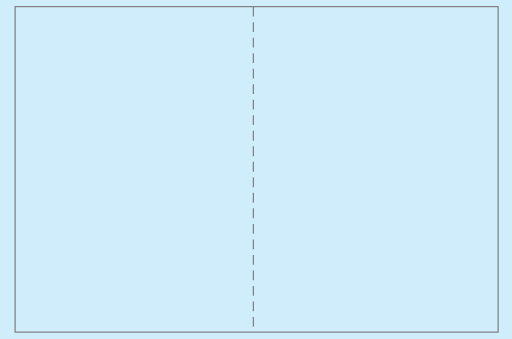
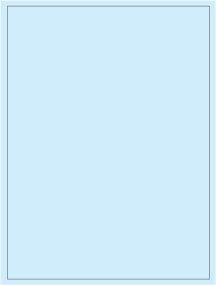
Bleed sizes include an additional ⅛ inch beyond every trimmed edge. Fractional non-bleed sizes are shown as live dimensions.
TWO-PAGE SPREAD
Ready-made templates
FULL PAGE
Ready-made templates
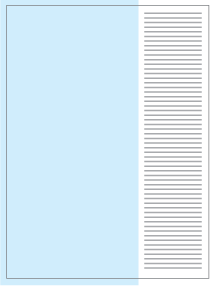
FRACTIONAL
Ready-made templates
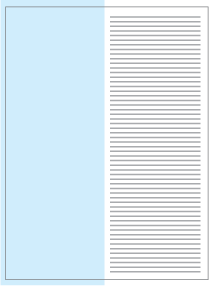
FRACTIONAL
Ready-made templates
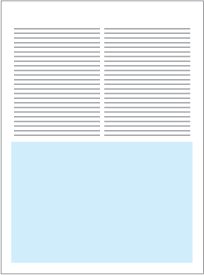
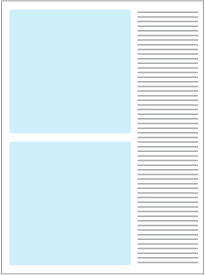
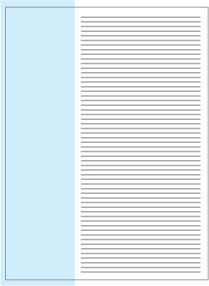
FRACTIONAL
Ready-made templates
DIGITAL AD DIMENSIONS
Use the exact pixel dimensions below. Supply RGB artwork as a high-quality JPG, PNG or GIF unless the campaign calls for another format.
PDF EXPORT WORKFLOW
Install the Cityview PDF preset once, then use it whenever you export a print ad. The in-app installation path is the same on macOS and Windows.

ADOBE INDESIGN
Before you export: Extend backgrounds through the bleed, keep important content inside the live area and make sure every font and image link is intact.
View Adobe’s InDesign PDF guide
ADOBE ILLUSTRATOR
Before you export: Check image resolution and color mode, extend all bleed artwork and keep essential type and logos inside the live area.
View Adobe’s Illustrator PDF guide
CANVA · PRINT ADVERTISING
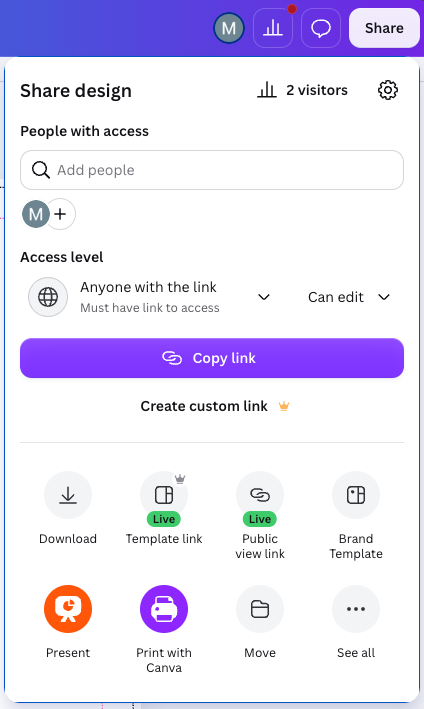
Don’t have Canva Pro? Finish your design and contact our art department. We can open your shared design through our Canva account and prepare the final file.
Get help with your Canva exportA LITTLE EXTRA GUIDANCE
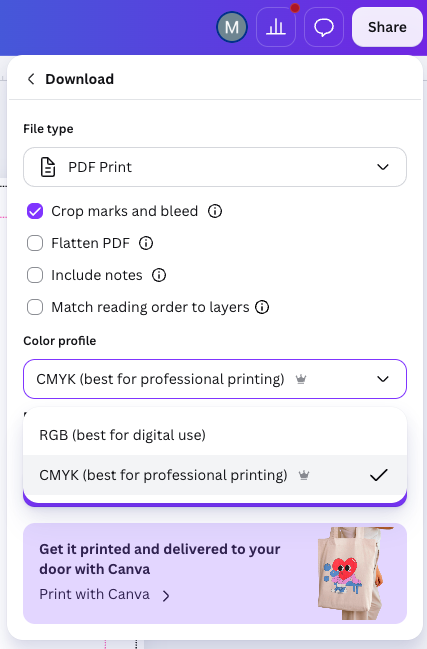
Choose PDF Print and CMYK. For Cityview’s templates, leave Crop marks and bleed and Include notes off. Open Advanced Settings to check these options.

DOWNLOADS & TEMPLATES
Platform-ready files will live here so designers can begin with the correct page dimensions, guides and export settings.
EXPORT PROFILE
Install the Cityview preset and follow the application-specific export workflow.
PRINT TEMPLATES
Download or open the correct template directly from each print ad size.
DIGITAL TEMPLATES
Ready-made files for Billboard, Inline Horizontal and Waterfall placements.
ADOBE ILLUSTRATOR
Download preset Illustrator artboards directly from each available print ad size.
ARTWORK SUPPORT
Send it to the Cityview art department before deadline. We are happy to review dimensions, image quality, color setup and export settings.